Deterministic Queries & Stored Procedures for AI
Complete guide to creating security contracts that make AI data access predictable, auditable, and compliant with enterprise requirements.
🎯 Overview
When AI systems interact with enterprise databases, organizations face a critical question: How do we give AI useful data access while maintaining security and compliance? This module teaches you to create "security contracts" using stored procedures that make AI data access deterministic, auditable, and safe.
What You'll Learn
- Why AI-generated SQL creates security and compliance risks
- How stored procedures act as security contracts
- Four proven patterns for AI-safe database access
- How to keep business logic separate from AI payloads
- Compliance benefits for GDPR, HIPAA, and FedRAMP
The Fundamental Difference
❌ AI-Generated SQL
- Non-deterministic: same question, different queries
- Can inadvertently expose sensitive data
- Impossible to audit effectively
- Vulnerable to prompt injection attacks
- No predefined security boundaries
- Unpredictable performance characteristics
✓ Stored Procedures
- Deterministic: identical query plans every time
- Encapsulate data masking & row-level security
- Complete audit trails with parameters
- Immune to SQL injection
- EXECUTE permissions, not SELECT
- Optimized and cached query plans
Think of It Like a Vending Machine
A stored procedure is like giving someone a vending machine instead of the keys to the warehouse. They can get what they need through defined interfaces, but they can never see or access the inventory directly.
📋 Prerequisites
Required Knowledge
- Basic SQL understanding (SELECT, WHERE, JOIN)
- Familiarity with your database platform (SQL Server, PostgreSQL, MySQL, Oracle)
- Understanding of API concepts
Required Access
| Requirement | Purpose |
|---|---|
| DreamFactory 7.x | API layer for database and AI orchestration |
| Database with proc creation rights | To create the security contract procedures |
| Sample data | For testing (we'll provide examples) |
⚠️ The Core Problem
When AI systems generate SQL queries dynamically, organizations lose control over data access. Consider this scenario:
Same Question, Different Queries
A user asks: "Show me sales data for Q4"
The AI might generate:
SELECT * FROM sales
WHERE quarter = 'Q4'
Or it might generate:
SELECT s.*, c.name, c.email, c.ssn
FROM sales s
JOIN customers c ON s.customer_id = c.id
WHERE s.sale_date BETWEEN '2024-10-01' AND '2024-12-31'
The Second Query Exposes SSNs!
The AI "helpfully" joined the customers table to provide more context, but inadvertently exposed Social Security Numbers. This is exactly the kind of data leakage that creates compliance violations.
Why This Matters for Compliance
Regulatory frameworks require documented, approved data access patterns:
- GDPR: Requires data minimization and documented processing activities
- HIPAA: Requires audit trails and minimum necessary access
- FedRAMP: Requires approved, documented queries for government data
- SOC 2: Requires controlled, auditable data access
Ad-hoc SQL generation makes compliance nearly impossible to prove.
Pattern 1 Direct Procedure Invocation
The simplest and most secure pattern: AI calls pre-defined stored procedures through DreamFactory's AI Data Gateway. No SQL generation, no ambiguity.
Create the Stored Procedure
CREATE PROCEDURE [dbo].[GetSalesData]
    @Quarter VARCHAR(10),
    @Year INT,
    @RequestingUser VARCHAR(100)
AS
BEGIN
    SET NOCOUNT ON;

    -- Log the access for audit
    INSERT INTO AuditLog (ProcName, Parameters, User, Timestamp)
    VALUES ('GetSalesData',
            CONCAT('Quarter=', @Quarter, ',Year=', @Year),
            @RequestingUser,
            GETDATE());

    -- Return ONLY approved fields (no PII, no sensitive data)
    SELECT
        s.SaleId,
        s.ProductCategory,
        s.SaleAmount,
        s.SaleDate,
        s.Region,
        -- Masked customer reference
        CONCAT('CUST-', RIGHT(c.CustomerId, 4)) AS CustomerRef
    FROM Sales s
    INNER JOIN Customers c ON s.CustomerId = c.CustomerId
    WHERE s.Quarter = @Quarter
      AND s.Year = @Year
    ORDER BY s.SaleDate DESC;
END
Call via DreamFactory API
import requests

def get_sales_data(quarter, year, user):
    """
    AI calls this function to get sales data.
    The stored procedure ensures only safe data is returned.
    """
    response = requests.post(
        f"{DREAMFACTORY_URL}/api/v2/db/_proc/GetSalesData",
        headers={
            "X-DreamFactory-Api-Key": API_KEY,
            "Content-Type": "application/json"
        },
        json={
            "params": [
                {"name": "Quarter", "value": quarter},
                {"name": "Year", "value": year},
                {"name": "RequestingUser", "value": user}
            ]
        }
    )
    return response.json()
Why This Is Secure
The AI never sees the SQL, never constructs queries, and can only access data through the defined interface. The procedure handles masking, filtering, and audit logging automatically.
MCP Tool Interface for Stored Procedures
When accessed through DreamFactory's MCP server, stored procedures and functions are exposed as dedicated tools that AI agents can discover and invoke directly. The tool names follow the pattern {db}_ + operation:
| MCP Tool | Purpose | Equivalent REST Endpoint |
|---|---|---|
{db}_get_stored_procedures | List all available stored procedures | GET /api/v2/{db}/_proc |
{db}_call_stored_procedure | Execute a stored procedure with parameters | POST /api/v2/{db}/_proc/{name} |
{db}_get_stored_functions | List available database functions | GET /api/v2/{db}/_func |
{db}_call_stored_function | Execute a database function | POST /api/v2/{db}/_func/{name} |
This means the four AI-safe access patterns described in this module map directly to concrete MCP tool calls. An AI agent can first call {db}_get_stored_procedures to discover what procedures are available, then call {db}_call_stored_procedure to execute the appropriate one with parameters extracted from the user's natural language query.
Pattern 2 Procedure-to-AI Pipeline
Data flows from procedures to AI models for analysis. The AI receives pre-filtered, pre-sanitized data and never queries directly.
Use Case: AI-Generated Reports
An AI system needs to generate quarterly business summaries. Instead of letting it query freely:
CREATE PROCEDURE [dbo].[GetQuarterlyMetrics]
    @Quarter INT,
    @Year INT
AS
BEGIN
    -- Aggregated metrics only - no individual records
    SELECT
        Region,
        COUNT(*) AS TotalSales,
        SUM(Amount) AS TotalRevenue,
        AVG(Amount) AS AverageOrderValue,
        COUNT(DISTINCT CustomerId) AS UniqueCustomers
    FROM Sales
    WHERE Quarter = @Quarter AND Year = @Year
    GROUP BY Region
    ORDER BY TotalRevenue DESC;
END
The AI receives aggregated metrics and generates insights:
# 1. Get metrics from stored procedure
metrics = call_procedure("GetQuarterlyMetrics", {"Quarter": 4, "Year": 2024})

# 2. Send ONLY the aggregated data to AI
prompt = f"""Analyze these quarterly sales metrics and provide insights:
{json.dumps(metrics, indent=2)}

Focus on: trends, top performers, and recommendations."""

# 3. AI generates report from safe, aggregated data
report = ai_model.generate(prompt)
Data Minimization in Action
The AI never sees individual customer records, transaction details, or PII. It works only with aggregated metrics that are safe to process and store.
Pattern 3 AI-Selected Procedures
The AI chooses from an approved list of procedures based on user queries. This provides flexibility while maintaining security boundaries.
Define the Procedure Catalog
{
  "available_procedures": [
    {
      "name": "GetSalesByRegion",
      "description": "Returns aggregated sales data by geographic region",
      "parameters": ["StartDate", "EndDate", "Region"],
      "use_when": "User asks about regional performance or geographic analysis"
    },
    {
      "name": "GetProductPerformance",
      "description": "Returns product category performance metrics",
      "parameters": ["Category", "TimePeriod"],
      "use_when": "User asks about product sales or category analysis"
    },
    {
      "name": "GetCustomerSegments",
      "description": "Returns anonymized customer segment statistics",
      "parameters": ["SegmentType"],
      "use_when": "User asks about customer demographics or segments"
    }
  ]
}
AI Selection Logic
def ai_select_procedure(user_query, catalog):
    """
    AI selects the most appropriate procedure from the catalog.
    It can ONLY choose from predefined, approved procedures.
    """
    prompt = f"""Given this user query: "{user_query}"

Select the most appropriate procedure from this catalog:
{json.dumps(catalog, indent=2)}

Return ONLY a JSON object with:
- procedure_name: the name of the selected procedure
- parameters: the parameter values extracted from the query
"""

    # AI returns structured selection
    selection = ai_model.generate(prompt, response_format="json")

    # Validate the selection is in our catalog
    if selection["procedure_name"] not in [p["name"] for p in catalog]:
        raise ValueError("AI selected invalid procedure")

    return selection
Always Validate AI Selections
Never trust AI output blindly. Always validate that the selected procedure exists in your approved catalog before executing.
Pattern 4 Parameterized Calls
AI extracts parameters from natural language and passes them to procedures. The AI handles language understanding; the procedure handles data access.
Example: Natural Language to Parameters
User says: "Show me sales for the West region from last quarter"
def extract_parameters(user_query):
    """
    AI extracts structured parameters from natural language.
    It does NOT construct SQL - just identifies parameter values.
    """
    prompt = f"""Extract parameters from this query: "{user_query}"

Return JSON with these fields (use null if not specified):
- region: geographic region (North, South, East, West, or null for all)
- start_date: start date in YYYY-MM-DD format
- end_date: end date in YYYY-MM-DD format
- category: product category if mentioned

Example output: {{"region": "West", "start_date": "2024-10-01", "end_date": "2024-12-31"}}
"""

    params = ai_model.generate(prompt, response_format="json")

    # Validate and sanitize parameters
    return validate_parameters(params)

def validate_parameters(params):
    """Ensure parameters are safe before use"""
    valid_regions = ["North", "South", "East", "West", None]

    if params.get("region") not in valid_regions:
        params["region"] = None

    # Validate dates are in correct format
    for date_field in ["start_date", "end_date"]:
        if params.get(date_field):
            try:
                datetime.strptime(params[date_field], "%Y-%m-%d")
            except:
                params[date_field] = None

    return params
🔐 Security Contracts
A stored procedure is a security contract between your database and AI systems. Here's what that contract guarantees:
| Contract Term | Implementation | Benefit |
|---|---|---|
| Field Restriction | SELECT only approved columns | No accidental PII exposure |
| Parameter Validation | Typed parameters with constraints | Prevents injection attacks |
| Row Filtering | WHERE clauses enforce scope | Users see only their data |
| Audit Logging | INSERT into audit table | Complete access history |
| Result Limits | TOP/LIMIT clauses | Prevents data dumps |
Complete Security Contract Example
CREATE PROCEDURE [dbo].[GetCustomerOrderSummary]
    @CustomerId INT,
    @RequestingUser NVARCHAR(100)
AS
BEGIN
    SET NOCOUNT ON;

    -- 1. AUDIT: Log every access attempt
    INSERT INTO SecurityAudit (ProcName, CustomerId, RequestedBy, RequestTime, IPAddress)
    SELECT 'GetCustomerOrderSummary', @CustomerId, @RequestingUser, GETDATE(), NULL;

    -- 2. AUTHORIZATION: Verify user can access this customer
    IF NOT EXISTS (
        SELECT 1 FROM UserCustomerAccess
        WHERE Username = @RequestingUser
        AND CustomerId = @CustomerId
    )
    BEGIN
        -- Log the unauthorized attempt
        UPDATE SecurityAudit
        SET AccessDenied = 1, DenialReason = 'User not authorized for customer'
        WHERE AuditId = SCOPE_IDENTITY();

        RAISERROR('Access denied', 16, 1);
        RETURN;
    END

    -- 3. DATA RETRIEVAL: Return only approved fields
    SELECT TOP 100  -- Limit results
        o.OrderId,
        o.OrderDate,
        o.TotalAmount,
        o.Status,
        -- Mask sensitive data
        CONCAT('****-****-****-', RIGHT(o.PaymentLast4, 4)) AS PaymentMethod,
        -- Include aggregated metrics
        (
            SELECT COUNT(*) FROM OrderItems oi
            WHERE oi.OrderId = o.OrderId
        ) AS ItemCount
    FROM Orders o
    WHERE o.CustomerId = @CustomerId
      AND o.Status != 'Cancelled'  -- Don't expose cancelled orders
    ORDER BY o.OrderDate DESC;
END
🔀 Parameter Isolation: A Critical Lesson
Real-World Issue: Provider Switching Failure
When one enterprise team switched from a local Ollama model to OpenAI's cloud API, their requests suddenly failed with a 400 Bad Request error. The culprit? A username parameter in the AI payload that OpenAI rejected as an unknown parameter.
The Problem
They were sending business logic (user identity) mixed with AI parameters:
// ❌ WRONG: Mixing business params with AI params
{
  "model": "gpt-4o-mini",
  "messages": [...],
  "username": "john.doe",  // OpenAI rejects this!
  "department": "sales"    // OpenAI rejects this too!
}
The Solution: Separate Concerns
Keep business logic (who, what permissions) separate from AI payloads (model, messages, tokens):
# ✓ CORRECT: Separate business logic from AI payload

# 1. Business parameters go to the STORED PROCEDURE
proc_params = {
    "username": "john.doe",
    "department": "sales",
    "record_id": 12345
}

# 2. Call stored procedure with business params
data = call_procedure("GetRecordData", proc_params)

# 3. AI payload contains ONLY AI-standard parameters
ai_payload = {
    "model": "gpt-4o-mini",
    "messages": [
        {"role": "system", "content": "You are an analyst."},
        {"role": "user", "content": f"Summarize: {data}"}
    ],
    "max_tokens": 500,
    "temperature": 0.3
}

# Now you can switch AI providers without code changes!
The Architecture
| Layer | Handles | Parameters |
|---|---|---|
| Stored Procedure | The "who": identity, permissions, scoping | username, department, record_id |
| AI Model | The "what": processing the data | model, messages, max_tokens |
| DreamFactory Script | Orchestration: connecting both | Manages flow, no mixing |
Provider Portability
With this separation, you can switch from Ollama to GPT to Claude to Gemma, and the stored procedure and business logic stay exactly the same. Only the AI endpoint changes.
📋 Compliance Benefits
Stored procedures provide auditable, documented data access patterns that satisfy regulatory requirements:
Data Minimization
Procedures return only necessary fields. You can prove AI never accesses more than required.
Minimum Necessary
Access is limited to the minimum data needed. Full audit trails for all access.
Approved Queries
All queries are pre-approved and documented. No ad-hoc access possible.
Access Controls
Granular permissions via EXECUTE rights. Complete audit logging.
Compliance-Ready Documentation
With stored procedures, you can provide auditors with: (1) exact queries reviewed and approved before deployment, (2) complete audit trails for every data access, (3) proof that AI systems cannot access unauthorized data, and (4) evidence that data minimization principles are enforced by design.
🔧 Troubleshooting
Common Issues
Procedure Not Found in DreamFactory
Cause: DreamFactory hasn't refreshed the schema cache.
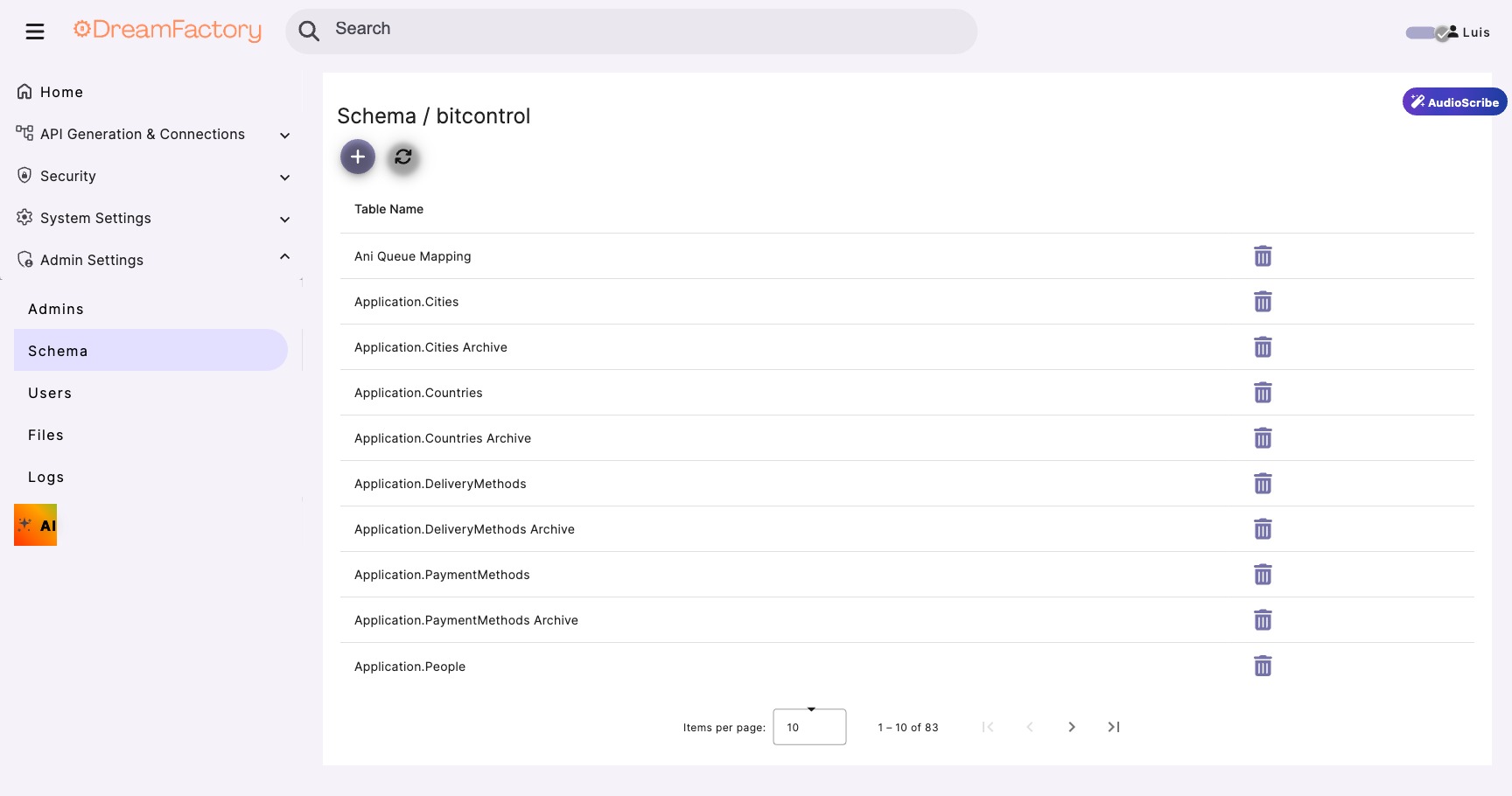
Fix: Navigate to Services → Your Database → Config tab → Click "Refresh Schema".
Parameter Type Mismatch
Cause: Sending string when procedure expects integer.
Fix: Cast parameters in your code: "value": int(record_id)
Permission Denied on Procedure
Cause: Database service account lacks EXECUTE permission.
Fix: Run: GRANT EXECUTE ON [dbo].[ProcName] TO [df_service_account]
400 Bad Request with Unknown Parameter
Cause: Business parameters mixed into AI payload (see Parameter Isolation section).
Fix: Separate business logic from AI requests. Only send standard AI parameters to the model.